Easy Screen Limits for Busy Parents
The house is finally quiet, the toys are put away, and the temptation to sink into the couch and mindlessly scroll through your phone for an hour is incredibly strong. After a long day of balancing work meetings, family meals, and endless to-do lists, that quiet screen time feels like your only true break. But have you ever noticed how a late-night scrolling session leaves you feeling even more exhausted the next morning?
Many of us fall into the trap of using our smartphones and tablets to wind down, only to find ourselves tossing and turning. Let's look at some realistic, stress-free ways to set screen limits that actually protect your sleep hygiene without adding more pressure to your busy life.
The Sneaky Way Screens Steal Our Rest
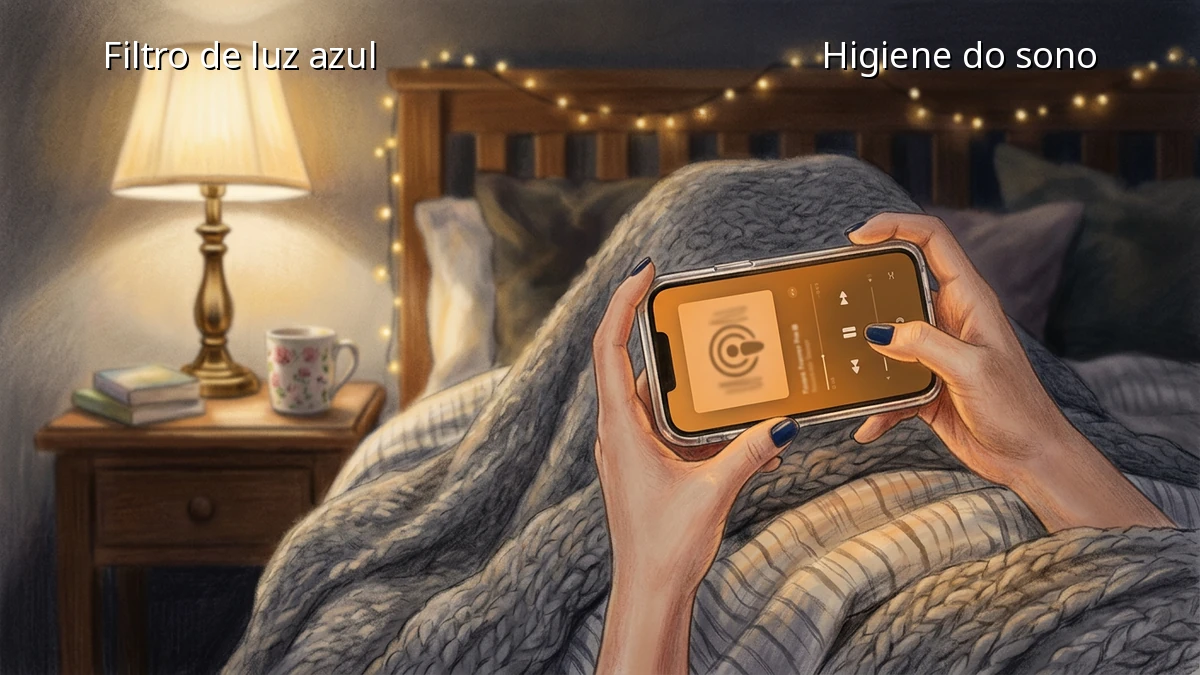
It is easy to blame our busy schedules for our morning fatigue, but our evening habits play a massive role. When we stare at our screens late at night, the blue light emitted by these devices tricks our brains into thinking it is still daytime. This delay in melatonin production makes it harder to fall asleep and reduces our overall sleep quality.
Beyond the biological effects, screen exposure keeps our minds active. Reading a stressful news article or checking work emails right before bed triggers mental alertness, making a restful sleep feel miles away. Establishing gentle digital boundaries is not about giving up technology; it is about reclaiming your evening routine for true recovery.
Realistic Phone Boundaries for Busy Evenings
Creating a healthy sleep environment does not require a drastic digital detox. As busy parents, we need practical solutions that fit into our unpredictable schedules. Here are a few simple bedtime habits you can start tonight:
1. Leverage Notification Settings and Silent Mode
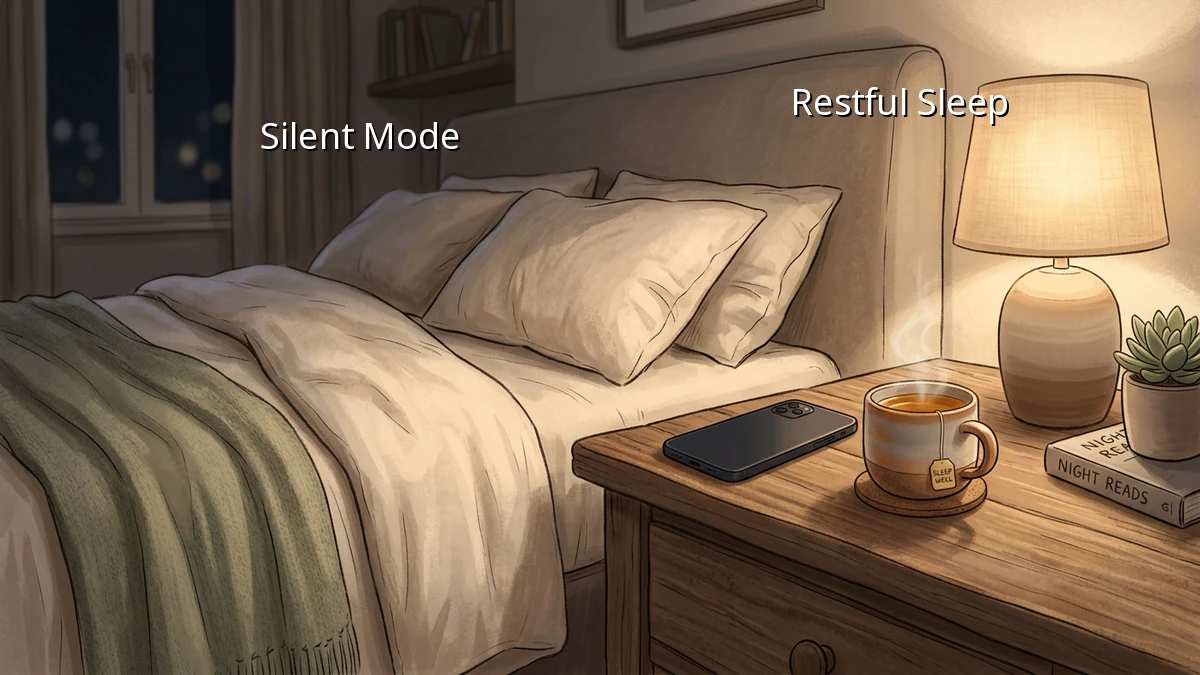
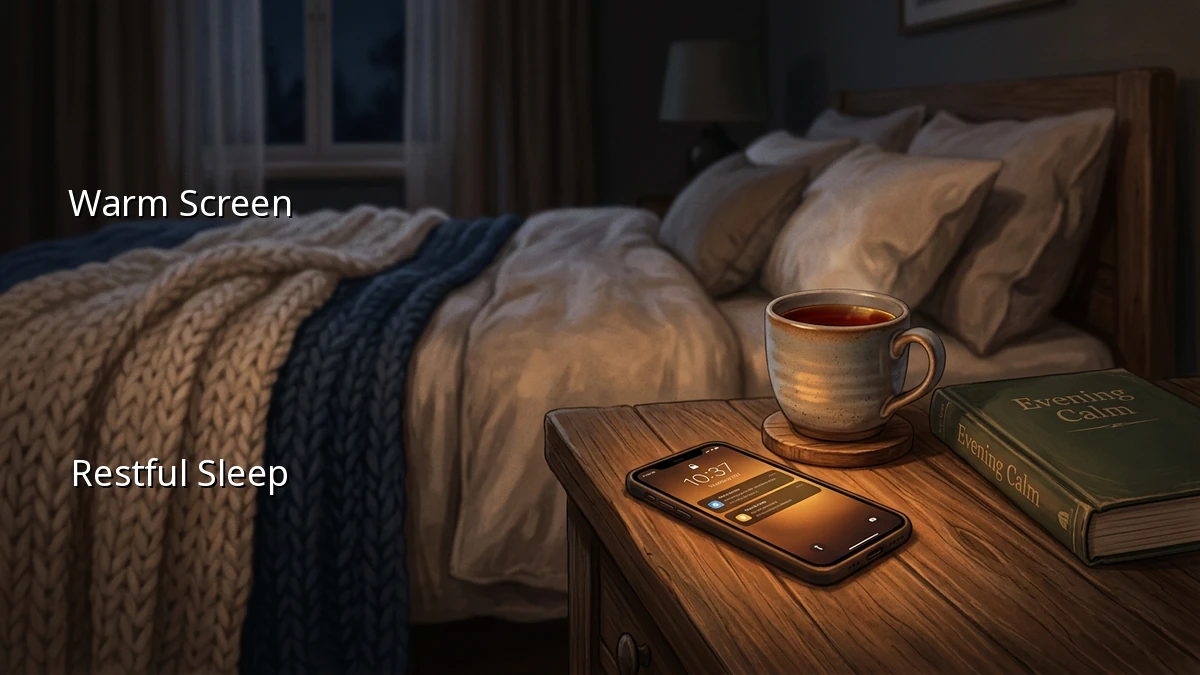
One of the easiest ways to reduce screen time is to remove the temptation to look. Set your phone to automatically enter silent mode or 'Do Not Disturb' at least an hour before you plan to sleep. You can customize these settings to allow calls from family members in emergencies, giving you peace of mind while keeping distracting bedtime alerts at bay.
2. Establish a Device-Free Zone in the Bedroom
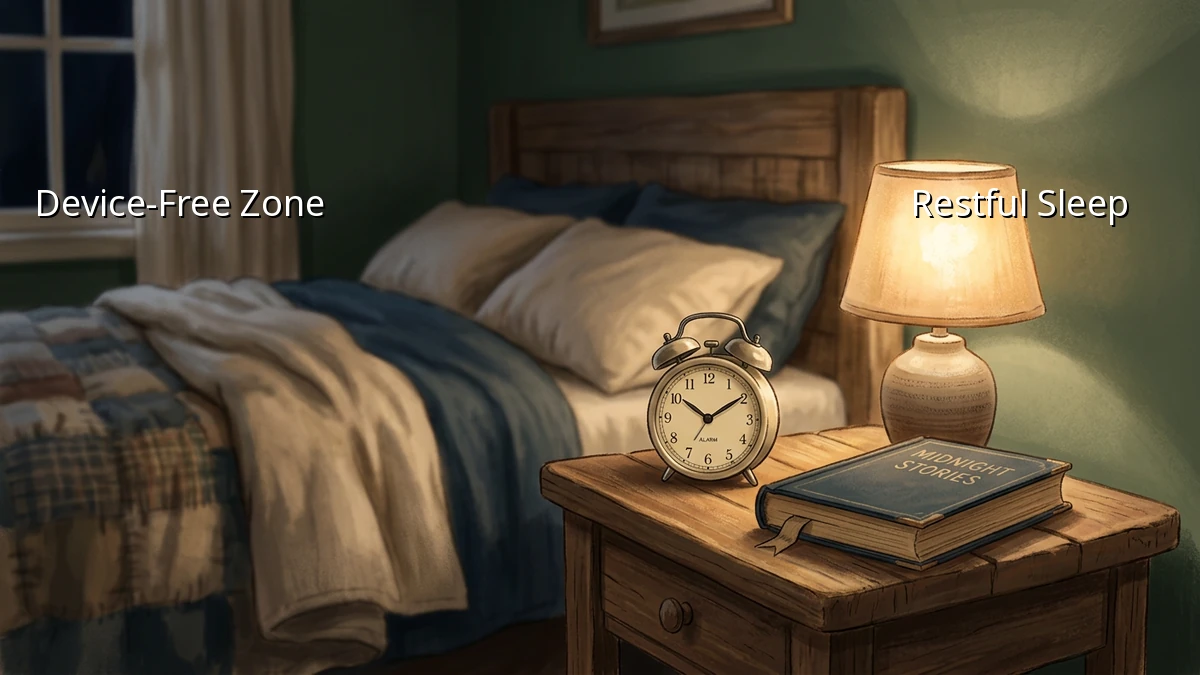
Keeping smartphones and tablets out of the bedroom is a game-changer for sleep hygiene. Try charging your phone in the kitchen or hallway overnight. If you use your phone as an alarm, consider switching to a simple, inexpensive alarm clock. Keeping your sleep environment device-free naturally encourages you to wind down without the urge to check one last notification.
3. Set a Gentle Bedtime Alert
It is easy to lose track of time when scrolling. Use your phone's built-in features to set a daily reminder that it is time to put the screen away. When the alert goes off, treat it as your cue to transition into a screen-free evening routine.
Creating a Simple Evening Routine
Replacing screen time does not mean you have to start a complicated meditation practice. It can be as simple as reading a few pages of a physical book, listening to a calming podcast, or doing some light stretching. The goal is to give your mind a chance to settle down naturally.
If you find yourself reaching for your phone out of habit, do not be discouraged. Building new bedtime habits takes time. Start by putting your phone away just 15 minutes earlier than usual, and gradually increase that window as it becomes more comfortable.
Remember, you do not have to be perfect to see a difference. Even small changes in your evening habits can lead to deeper, more restorative sleep, giving you the energy you need for another busy day. Be gentle with yourself as you find the balance that works best for your family.