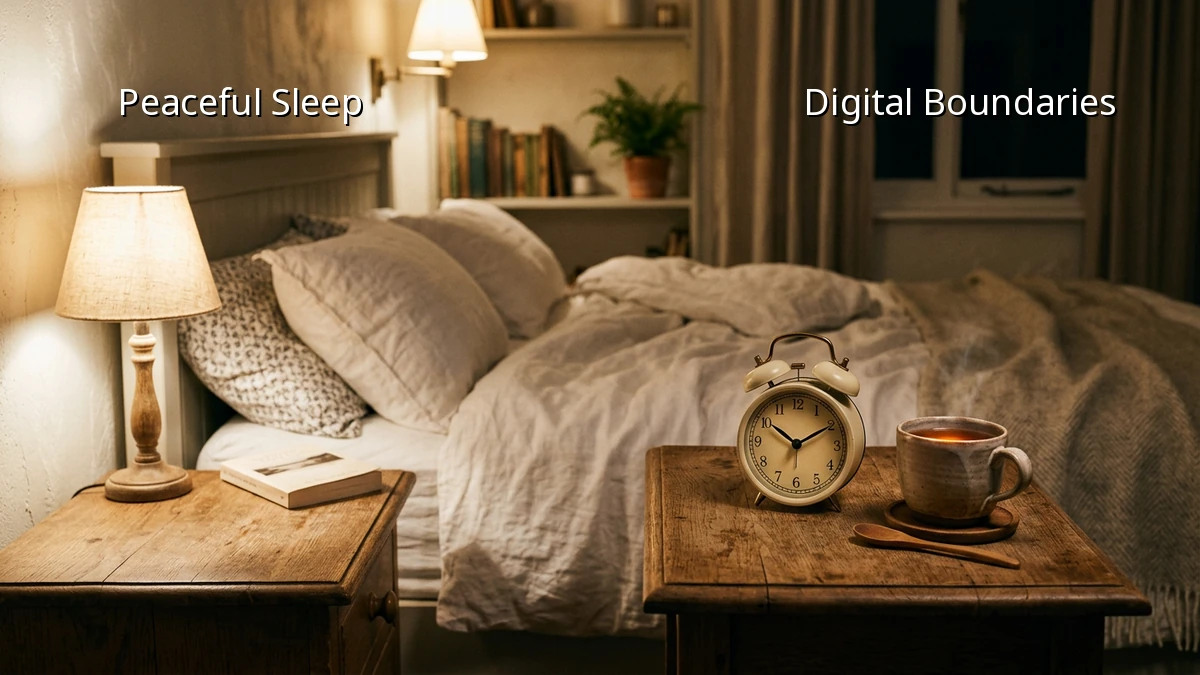
Dim Screen Settings for Tired Eyes
The house is finally quiet, the chores are done, and you finally sink into the couch for a few minutes of quiet scrolling, only to feel that sharp, stinging strain in your eyes. We all know we should probably put our smartphones down earlier, but after a long day of juggling work and family, that quiet screen time feels like our only true personal window.
If completely banning devices from the bedroom feels too unrealistic, there is a gentler way to protect your sleep hygiene. By adjusting our screen dimming settings and making a few small shifts in our evening habits, we can give our tired eyes a much-needed break and prepare our minds for a restful sleep.
Why Bright Screens Keep Us Awake
It is not just the content we are reading that keeps our minds active; it is the actual light exposure from our screens. Our bodies rely on natural light cues to regulate our sleep cycle. When we stare at a bright display late at night, the blue light mimics daylight, tricking our brain into thinking it is still daytime.
This artificial brightness directly impacts melatonin production, the hormone responsible for making us feel sleepy. When melatonin is suppressed, we find ourselves tossing and turning, even when our bodies are physically exhausted. By understanding how screen exposure affects our sleep environment, we can take control of our evening routine without feeling like we are giving up our connection to the world.
Simple Screen Dimming Tweaks for Your Devices
You do not need to be a tech expert to make your devices friendlier for your eyes. Here are a few practical adjustments you can make in less than five minutes:
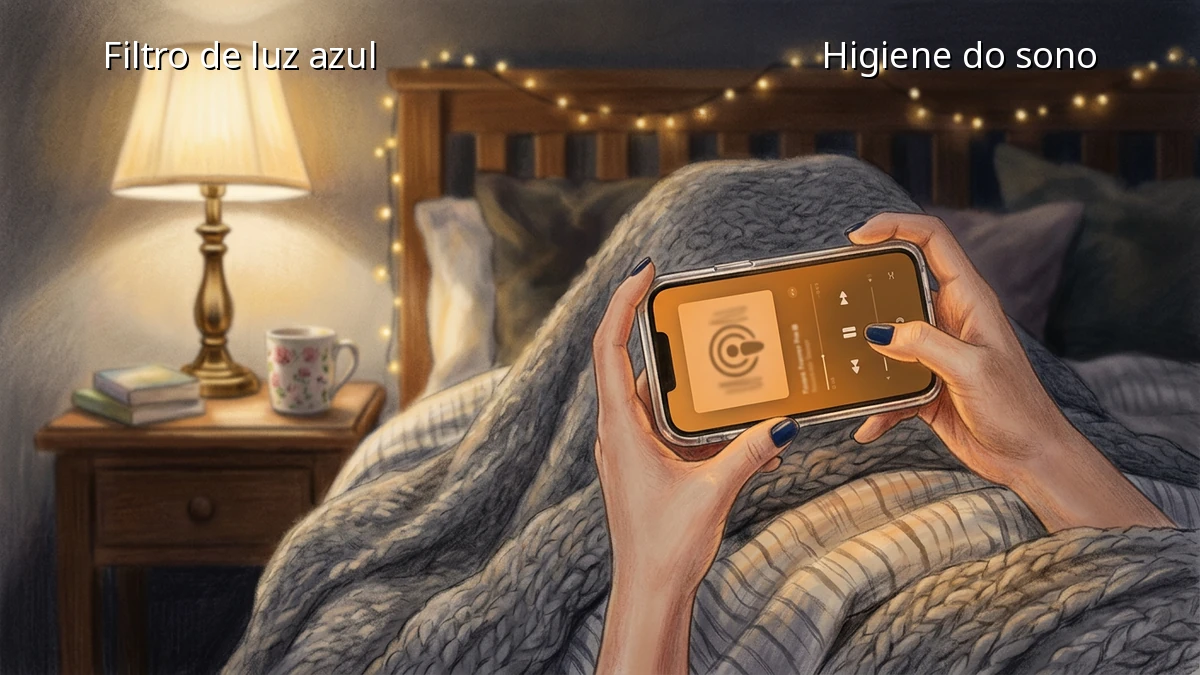
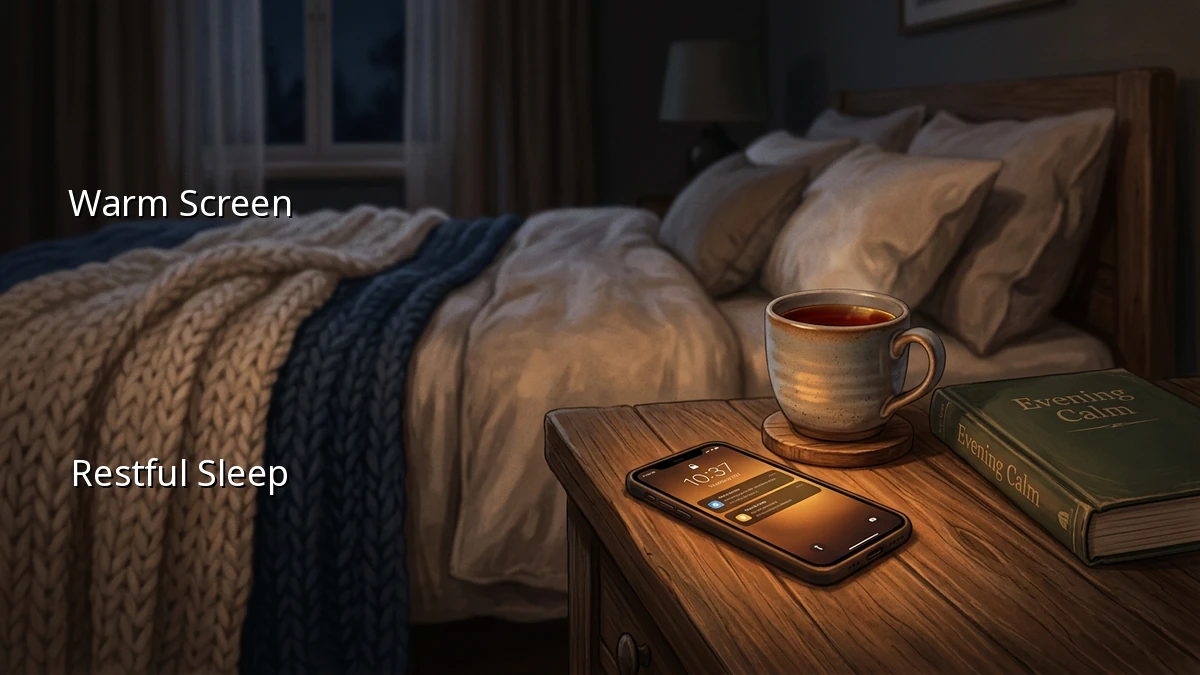
- Activate Night Shift Mode: Most modern smartphones and tablets have a built-in night shift mode or blue light filter. You can set this to turn on automatically at sunset. It shifts your screen to a warmer, amber tone, which is much gentler on the eyes.
- Go Beyond Default Brightness: Sometimes, even the lowest standard brightness setting feels too bright in a dark room. Look into your device's accessibility settings for features like 'Reduce White Point' or extra screen filters that let you dim the screen even further.
- Embrace Dark Mode: Switching your favorite apps and operating systems to dark mode reduces the overall light output of your device, making evening reading much less harsh.
If you still find yourself struggling with eye strain, experimenting with blue light glasses can also offer an extra layer of comfort during your evening routine.
Creating Digital Boundaries for a Restful Sleep
Adjusting your screen settings is a wonderful first step, but pairing it with simple digital boundaries can truly transform your sleep quality. It is about creating a buffer zone between the busy day and a peaceful night.
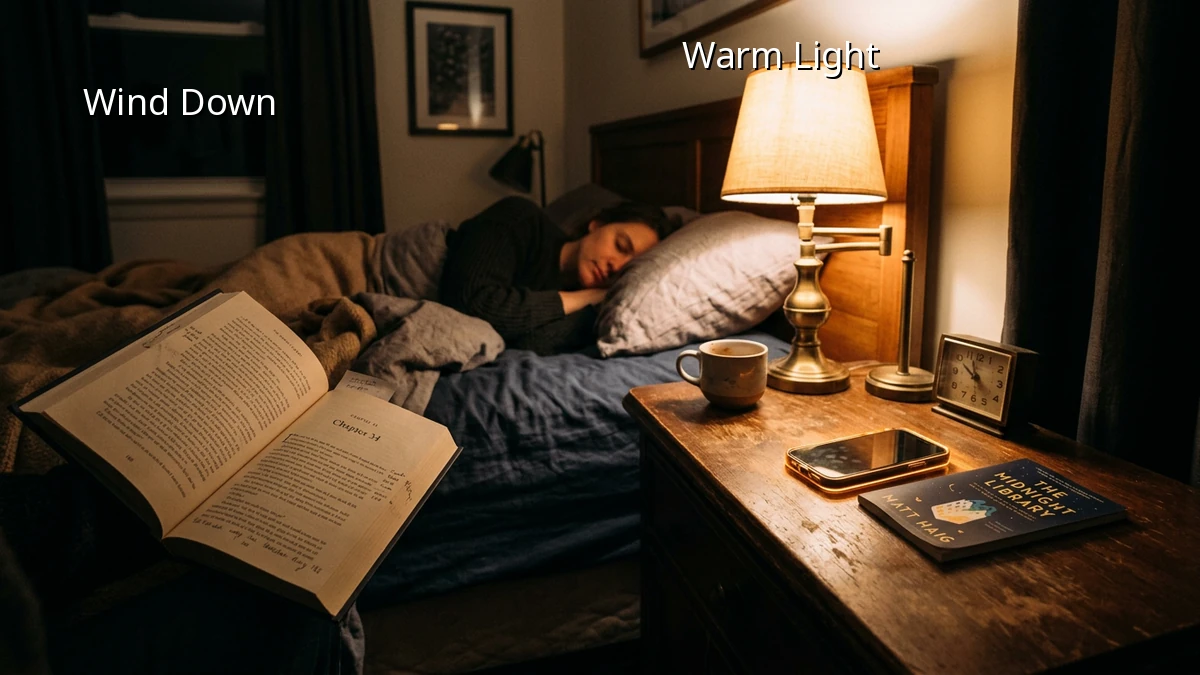
Try setting your phone to silent mode or turning off non-essential notifications an hour before you plan to sleep. This simple act prevents the sudden buzzes that tempt us to look at our screens. If you are open to it, try establishing a device free wind down period—even just fifteen minutes of reading a physical book or stretching can signal to your brain that it is time to rest.
Finding Your Own Balance
At the end of the day, wellness is not about perfection. It is about finding small, sustainable habits that fit into your actual life. If you cannot completely avoid screen time before bed, simply dimming your screen and softening the light is a beautiful way to show yourself some kindness. Listen to your eyes, make those quick adjustments, and give yourself permission to ease gently into a restful night.