Free Blue Light Filters for New Users
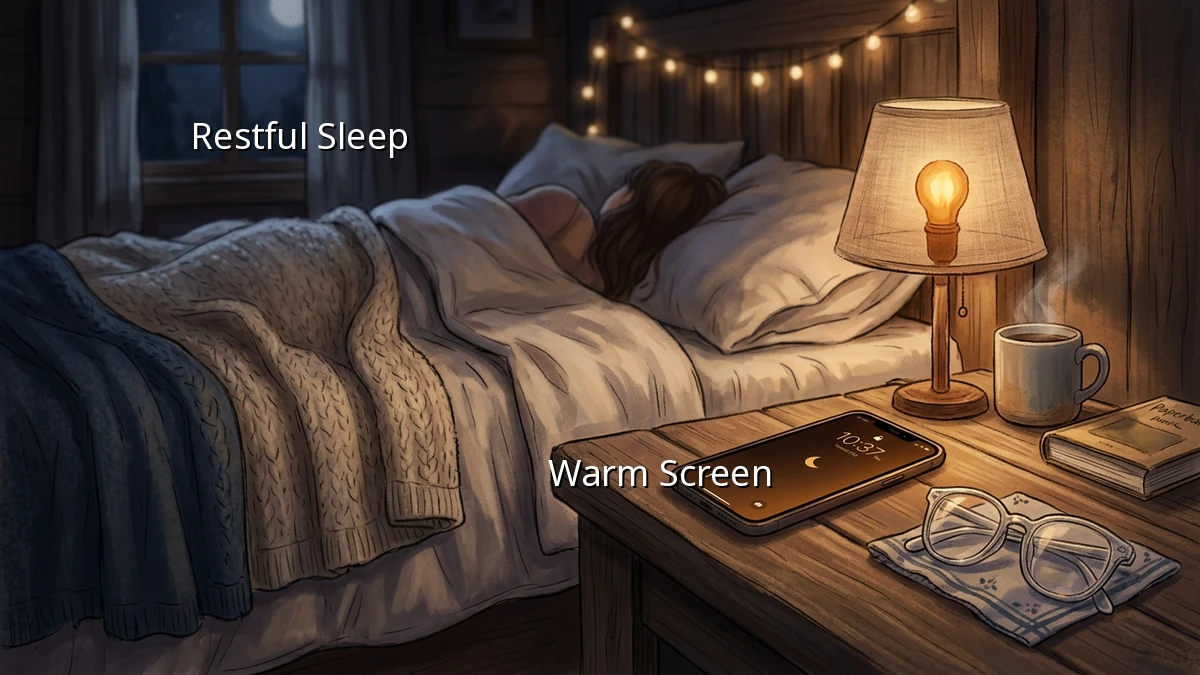
The house is finally quiet, the dishes are done, and you sink into bed, only to find yourself scrolling through your phone with squinted eyes against that harsh, bright screen glare. We have all been there. After a long day of juggling work and family, that quiet screen time feels like a hard-earned treat. But that intense blue light from our smartphones and laptops can quietly disrupt our sleep hygiene, making it much harder to drift off when we finally close our eyes.
Our bodies rely on natural light cues to regulate our sleep-wake cycle. When we expose ourselves to bright screen exposure late in the evening, it tricks our brain into thinking it is still daytime. This delay in melatonin production can leave us tossing and turning, even when we are physically exhausted. Fortunately, protecting your sleep quality does not require buying expensive gadgets or completely giving up your evening wind-down routine. You can easily create a healthier sleep environment using free blue light filters that are likely already built into your devices.
Simple Built-In Solutions for Every Device
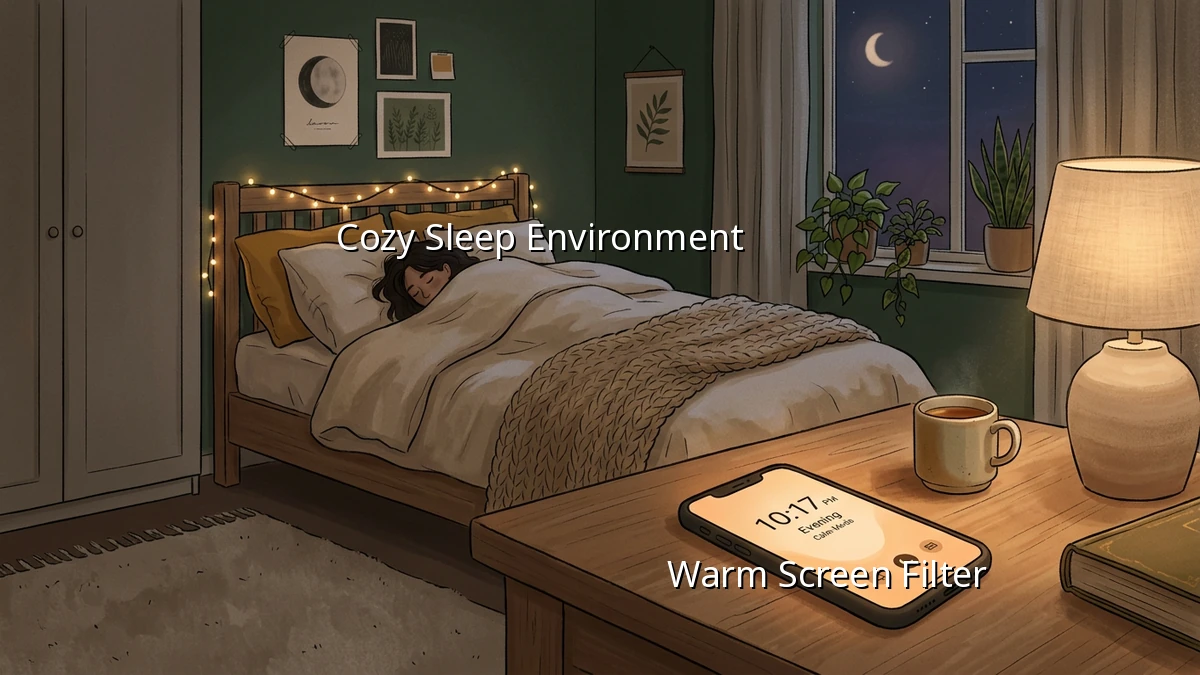
Most modern smartphones and computers come equipped with built-in screen filters designed specifically to ease eye strain and support better bedtime habits. These tools gradually shift the colors of your display to the warmer end of the spectrum as the sun sets, reducing blue light exposure without costing a dime.
- For Apple Users (iOS and macOS): Look for 'Night Shift' in your display settings. You can schedule it to turn on automatically from sunset to sunrise, or set custom hours that match your evening routine.
- For Android Users: Most Android devices feature a 'Night Light' or 'Eye Comfort Shield' in the quick settings panel. It offers a simple slider to adjust the intensity of the warm tint.
- For Windows Users: Windows has a built-in 'Night Light' feature. Simply search for it in your system settings and toggle it on to help with screen dimming during your evening work or browsing.
Excellent Free Third-Party Apps
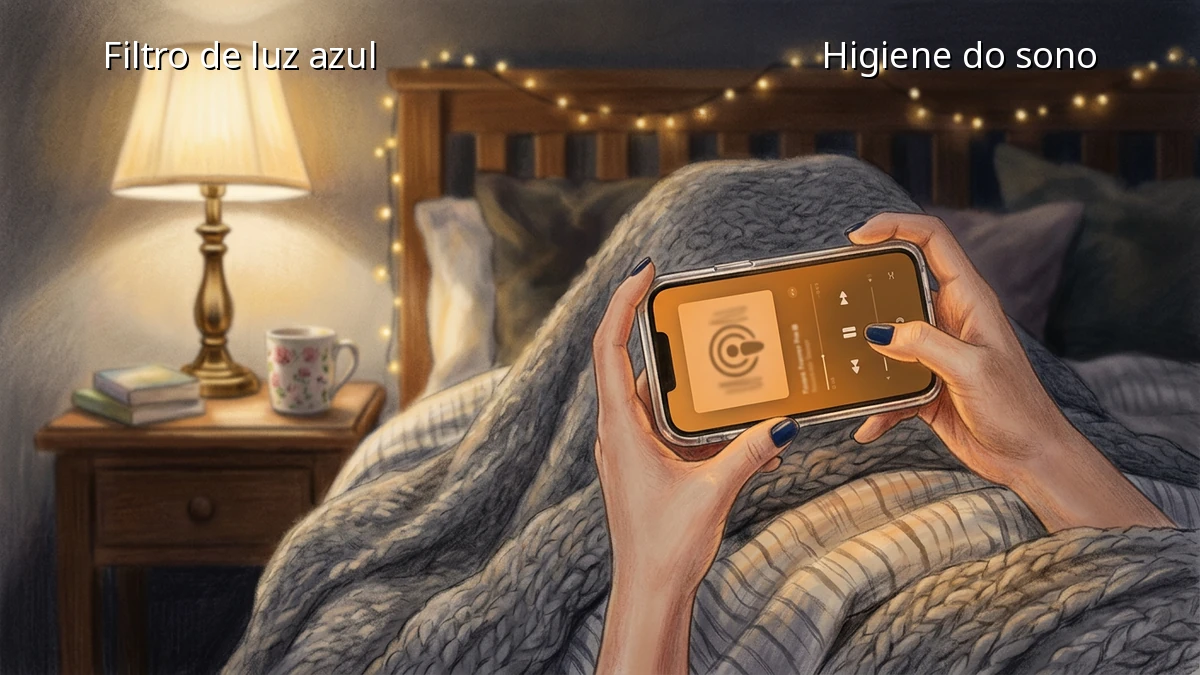
If you want more control over your screen filters, several free third-party applications offer highly customizable options to fit your lifestyle.
- f.lux (for Desktops and Laptops): This classic, free software is a favorite for a reason. It automatically adapts the color temperature of your computer screen to the time of day, mimicking natural sunlight during the afternoon and transitioning to a warm, cozy amber glow as bedtime approaches.
- Twilight (for Android): If you find the built-in Android filter too mild, Twilight is a fantastic free alternative. It filters the blue spectrum on your phone or tablet based on your local sunset and sunrise times, and allows for deep screen dimming that goes below the default system limits.
Building Gentle Digital Boundaries
While turning on a blue light filter is a wonderful first step, true sleep hygiene is about creating a peaceful transition from a busy day to a restful night. Try pairing your screen filters with a few simple evening habits. You might try setting a gentle alarm that reminds you to dim all the screens in the house an hour before bed, or keeping your phone on a nightstand just out of arm's reach to encourage a brief device-free wind-down period.
Remember, improving your sleep habits is not about achieving perfection or cutting out technology entirely. It is about making small, sustainable adjustments that reduce daily friction and help you wake up feeling refreshed. Start by turning on one free filter tonight, and see how much cozier your evening routine can feel.