Stop Late Night Alerts to Sleep Better
Stop Late Night Alerts to Sleep Better
The house is finally quiet, the dishes are done, and you just settled into bed when your phone screen suddenly lights up with a non-urgent work email or a social media tag. That tiny buzz or flash of light instantly pulls your mind back into active mode, shattering the peaceful evening routine you worked so hard to establish.
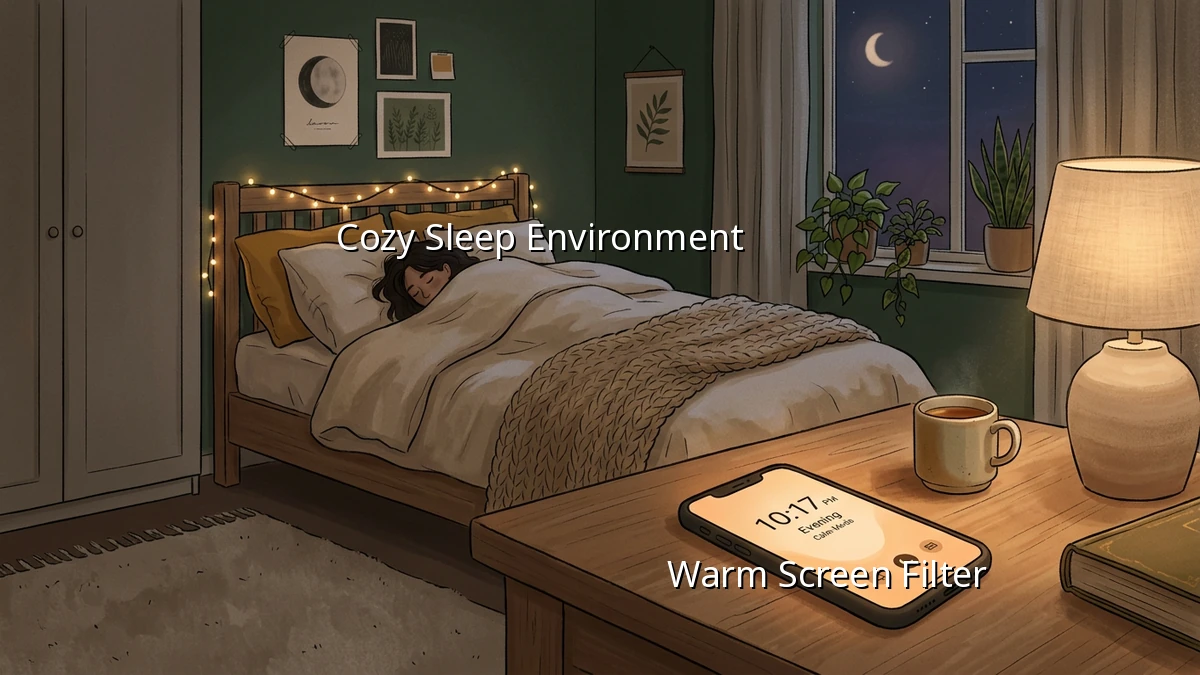
Many of us sleep with our smartphones right on the nightstand, acting as our alarm clocks and, unintentionally, as constant windows to the outside world. But setting healthy phone boundaries is one of the simplest, most effective ways to reclaim your sleep quality and protect your evening habits.
Why Late-Night Alerts Keep Us Awake
When a notification arrives late at night, it does more than just make a sound. It triggers a mental chain reaction.
First, there is the physical screen exposure. The blue light emitted by our screens mimics daylight, which can suppress melatonin production—the hormone our bodies need to signal that it is time for restful sleep. Even a brief glance to clear a notification can disrupt this natural cycle.
Second, there is the cognitive stimulation. A simple bedtime alert about a tomorrow's task or a social media update can trigger stress or curiosity, making it incredibly hard to wind down. Our brains need a transition period to shift from the busy energy of the day into a state of rest.
Practical Steps to Set Notification Boundaries
You do not have to go on a drastic digital detox or banish technology entirely to get a good night's sleep. Instead, we can focus on small, manageable adjustments to our notification settings that fit into a busy lifestyle.
1. Embrace the 'Do Not Disturb' Mode
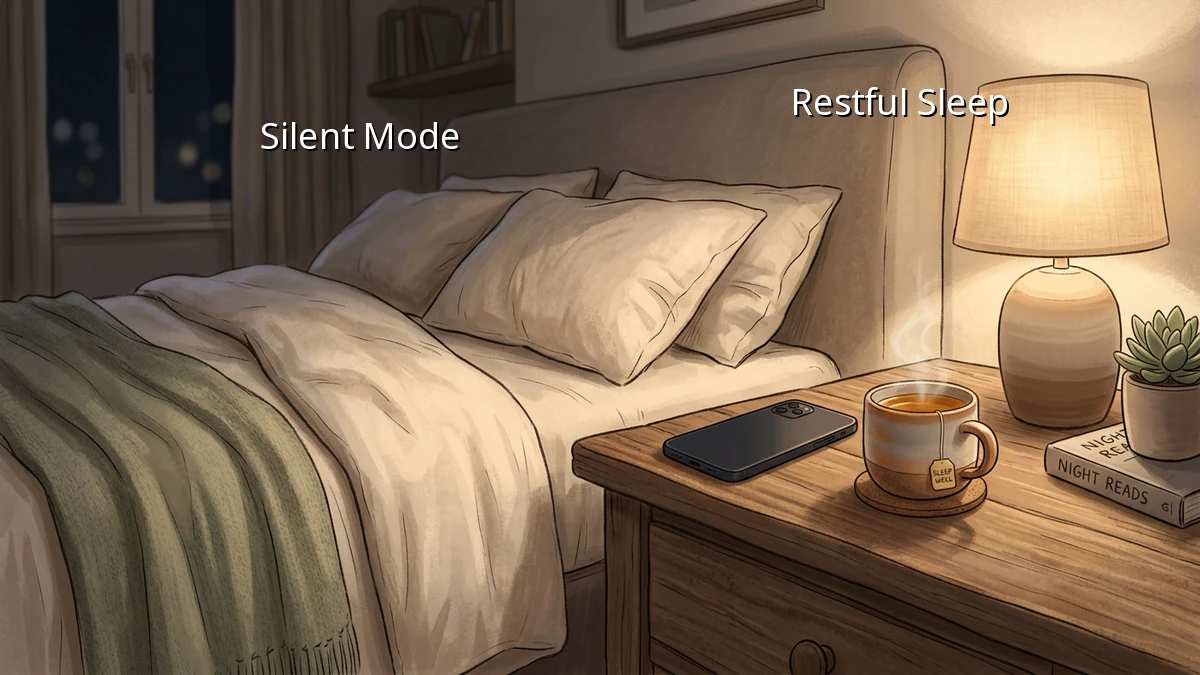
Most modern smartphones have highly customizable silent mode options. You can schedule 'Do Not Disturb' to turn on automatically an hour before your planned bedtime. To ease any anxiety about emergencies, you can set exceptions so that calls from close family members or repeat callers still go through. This simple boundary keeps non-urgent bedtime alerts from interrupting your peace.
2. Audit Your Evening Notifications
Take five minutes today to look at your app settings. Do you really need real-time alerts for shopping apps, news updates, or social media likes at 10 PM? Turning off non-essential notifications altogether reduces screen time and prevents unnecessary distractions during your wind down hours.
3. Create a Physical Sleep Environment
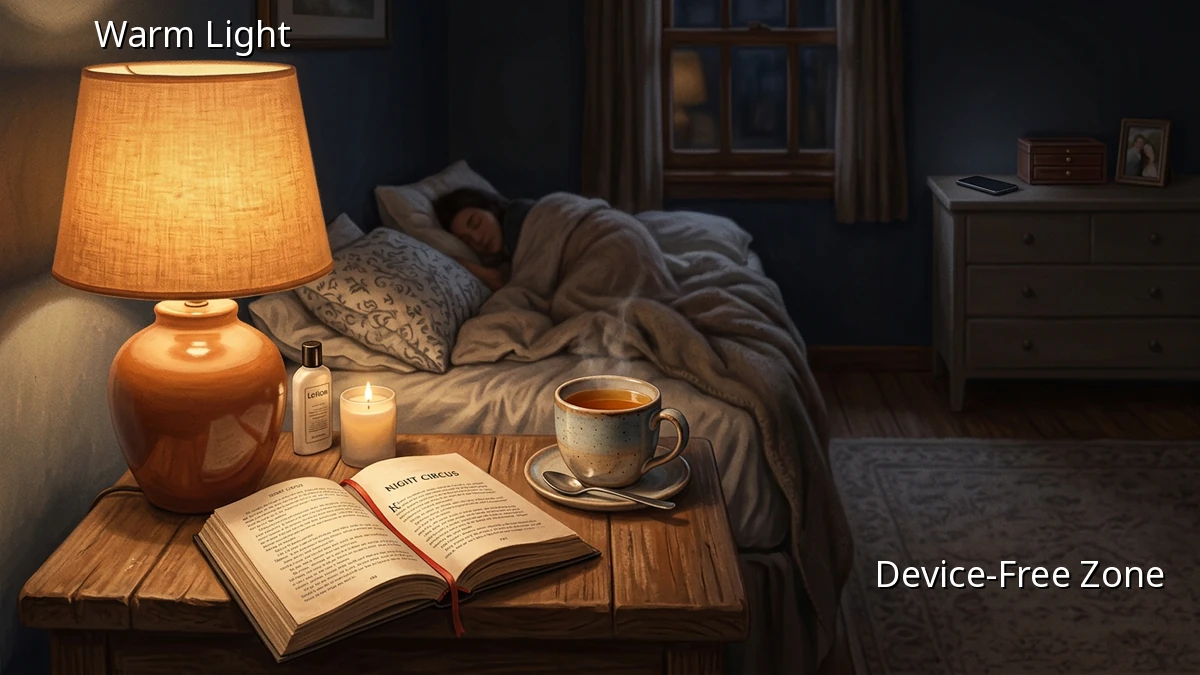
If your phone is within arm's reach, the temptation to scroll is always there. Try charging your phone across the room or on a dresser instead of the nightstand. Making your immediate sleeping area a device free zone helps signal to your brain that bed is strictly for rest.
Small Steps Toward Better Rest
Adjusting our relationship with technology is a journey, and it is completely okay if you do not get it perfect every night. Some days are busier than others, and sometimes we just want to scroll. But by setting even one small digital boundary tonight, you are taking a gentle step toward a more peaceful evening and a more refreshed tomorrow. You deserve a quiet space to rest.