Manage Evening Texts for Quiet Nights
Manage Evening Texts for Quiet Nights
The house is finally quiet, the dishes are done, and you have just settled into the couch with a warm cup of chamomile tea when suddenly, your phone buzzes with a non-urgent group chat notification. That tiny vibration instantly pulls your mind back into active mode, scattering the peaceful atmosphere you worked so hard to create. It is a familiar cycle for many of us trying to balance a busy life while protecting our precious sleep.
Taking control of our evening notification control is not about disconnecting from the world entirely. Instead, it is about creating a gentle buffer zone between the demands of the day and the rest your body deeply needs. Let us explore some realistic, stress-free ways to set digital boundaries so you can enjoy a truly restful sleep.

Why Those Late-Night Pings Keep You Awake
Every time your phone lights up in the evening, it triggers a small spike of alertness. Our brains are wired to respond to alerts, which keeps us in a state of subtle anticipation. This mental activation makes it incredibly difficult to wind down.
Beyond the mental distraction, screen exposure and blue light from late-night scrolling can interfere with your body's natural melatonin production. Melatonin is the hormone that signals to your body that it is time to sleep. When we constantly check bedtime alerts, we delay this natural signal, making it harder to fall asleep and reducing overall sleep quality. By establishing clear phone boundaries, we protect both our mental peace and our physical sleep environment.
Simple Steps to Quiet Your Digital Space
You do not need a drastic digital detox to see a difference. Small, manageable adjustments to your notification settings can reclaim your evenings.
1. Embrace 'Do Not Disturb' Mode
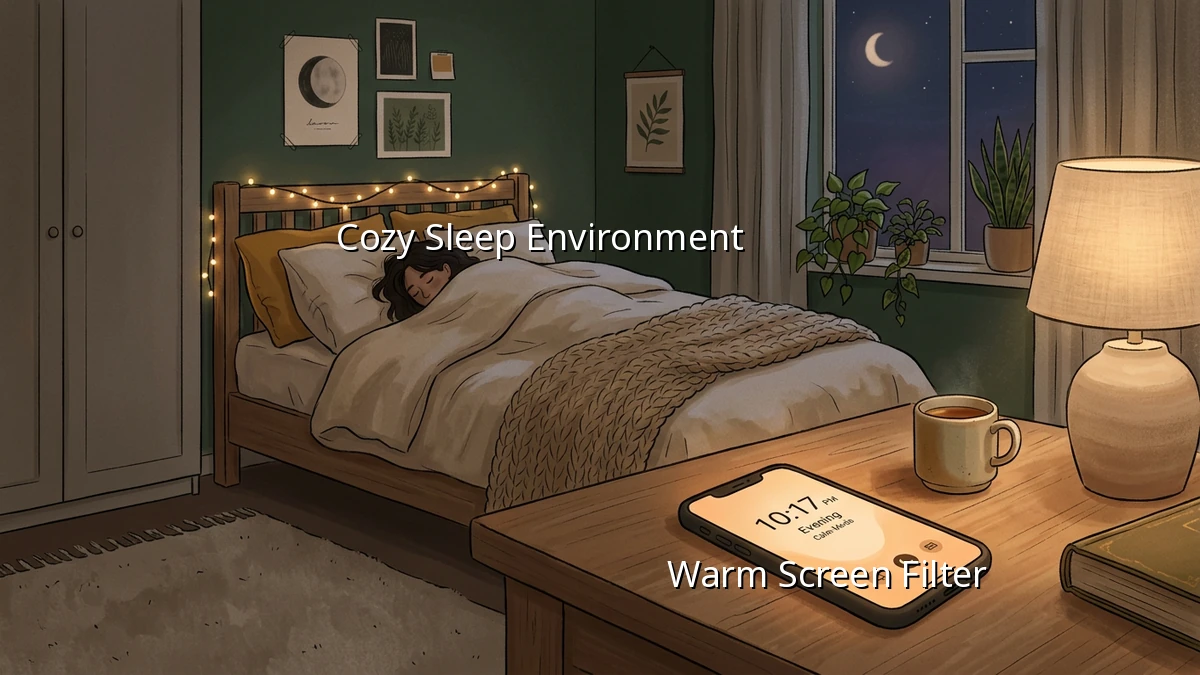
Most smartphones have highly customizable silent mode options. You can set a schedule where your phone automatically enters 'Do Not Disturb' or 'Sleep' mode at a specific time every night—say, an hour before you plan to close your eyes. You can still allow calls from close family members so you do not have to worry about emergencies, while silencing social media and work emails.
2. Curate Your Bedtime Alerts
Take five minutes during the day to look at your notification settings. Ask yourself: 'Do I really need to know about this sale, this social media comment, or this news update right before bed?' Turning off non-essential notifications permanently reduces the daily friction of constant alerts.
3. Create a Dedicated Charging Station
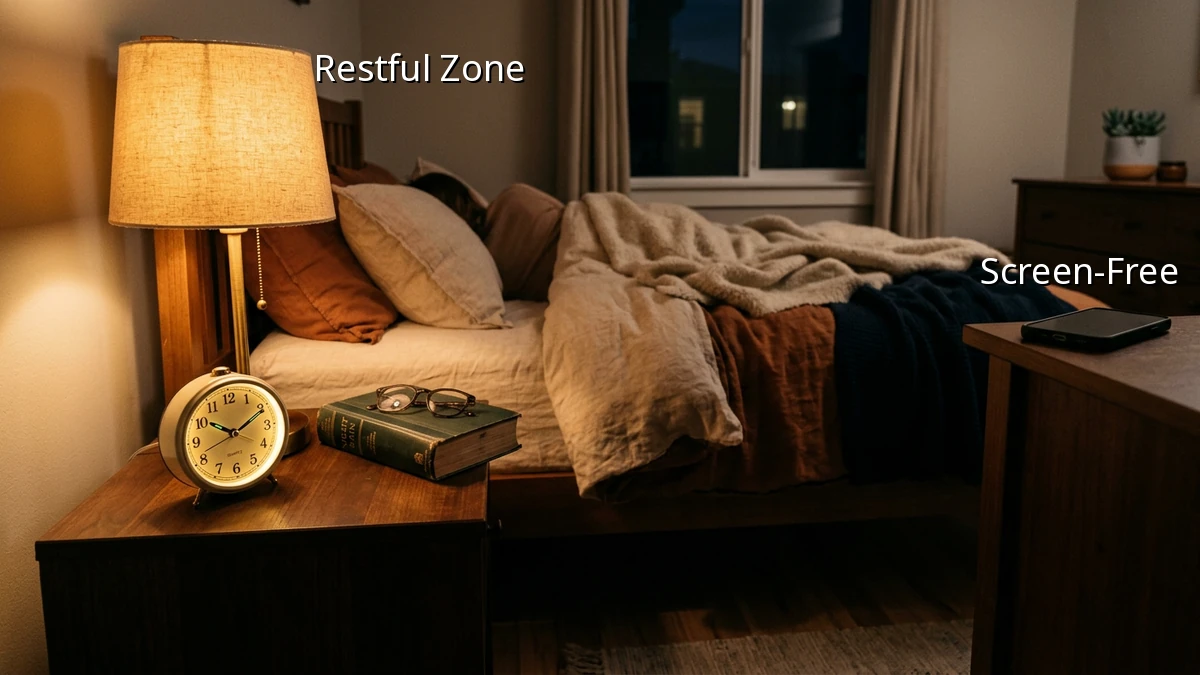
Try charging your phone across the room or even in a different room overnight. Removing the physical temptation of late-night screen time makes it much easier to stick to your evening routine. If you use your phone as an alarm, consider switching to a simple, traditional alarm clock to keep your sleep environment device free.
Progress Over Perfection
Setting digital boundaries is a practice, not a strict rule. Some nights you might find yourself replying to a late text, and that is completely okay. The goal is to build sustainable evening habits that support your wellbeing, not to add another chore to your to-do list. Be gentle with yourself as you find the balance that works for your life. You deserve a quiet mind and a restful night.