Quick Night Mode Setup for Better Rest
The house is finally quiet, the dishes are done, and you sink into the couch for a few minutes of quiet scrolling, only to realize your eyes are stinging under the harsh glare of your phone. It is a familiar feeling for many of us who balance busy days and look forward to a little personal time in the evening. However, that late-night screen exposure might be the silent culprit behind those restless nights and groggy mornings.
Improving our sleep hygiene does not mean we have to banish technology from our lives entirely. Instead, we can make small, practical adjustments to our devices to protect our peace and support our natural sleep cycles.
Why Our Screens Keep Us Wide Awake
It is easy to blame ourselves for feeling wired at 11 PM, but our devices are designed to keep our brains active. The blue light emitted by smartphones and tablets mimics daylight, tricking our minds into thinking it is still midday. This artificial light exposure disrupts our natural melatonin production, the very hormone that signals to our body that it is time to wind down.
When we scroll late into the evening, we are essentially telling our internal clock to stay awake, making restful sleep much harder to achieve. By understanding how screen time affects our sleep quality, we can take back control of our evening habits without feeling like we are giving up our connection to the world.
Quick Adjustments: Setting Up Your Night Shift Mode
You do not need a complicated evening routine to start protecting your sleep. A few simple tweaks to your device settings can make a world of difference in how your eyes and mind feel before bed.
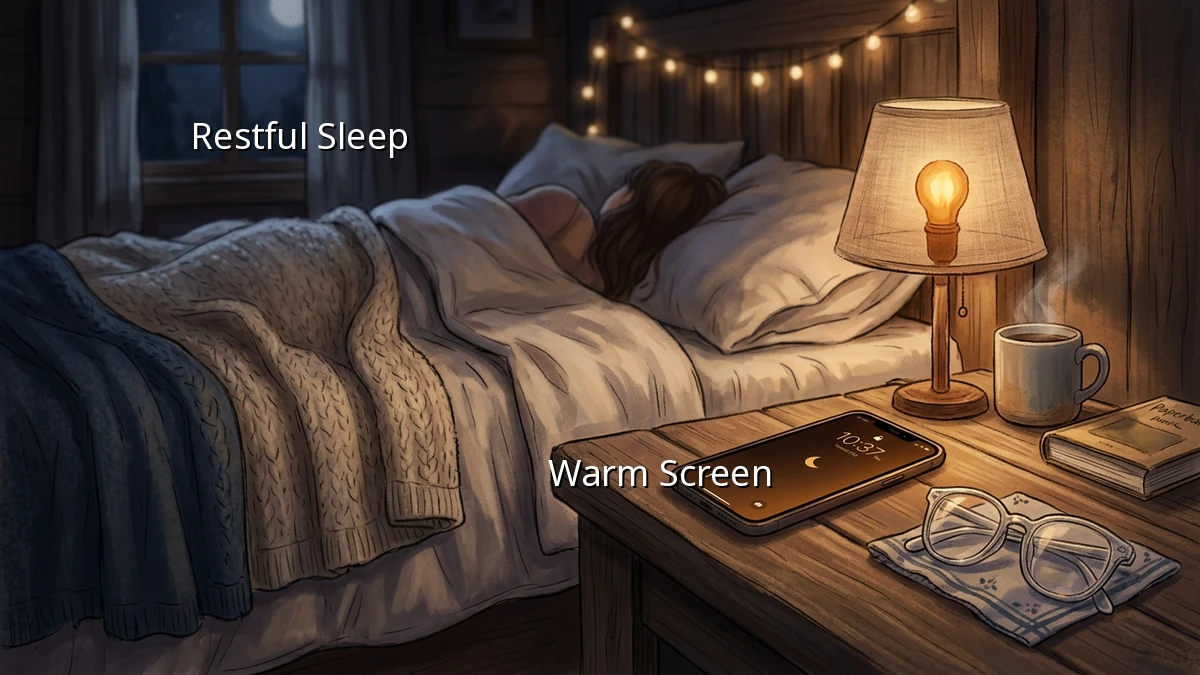
First, enable the night shift mode or screen filters on your phone. This feature automatically shifts the colors of your display to the warmer end of the spectrum after sunset, significantly reducing the amount of blue light your eyes absorb. You can schedule this to turn on automatically every evening so you do not even have to think about it.
Second, utilize screen dimming. Keeping your screen as dim as comfortably possible in the evening helps prepare your eyes for darkness. Some devices even allow you to set an extra-dim feature for nighttime use.
Third, adjust your notification settings. Constant pings and lights waking up your screen are major sleep disruptors. Setting up a 'Do Not Disturb' schedule for your bedtime hours creates a quiet digital environment, allowing you to wind down without the temptation of instant replies.
Establishing Gentle Digital Boundaries
Setting digital boundaries is not about strict rules; it is about creating a peaceful transition into rest. Trying to go completely device free an hour before bed can feel unrealistic when you are trying to catch up on personal tasks or connect with loved ones. Instead, aim for realistic bedtime habits that fit your lifestyle.
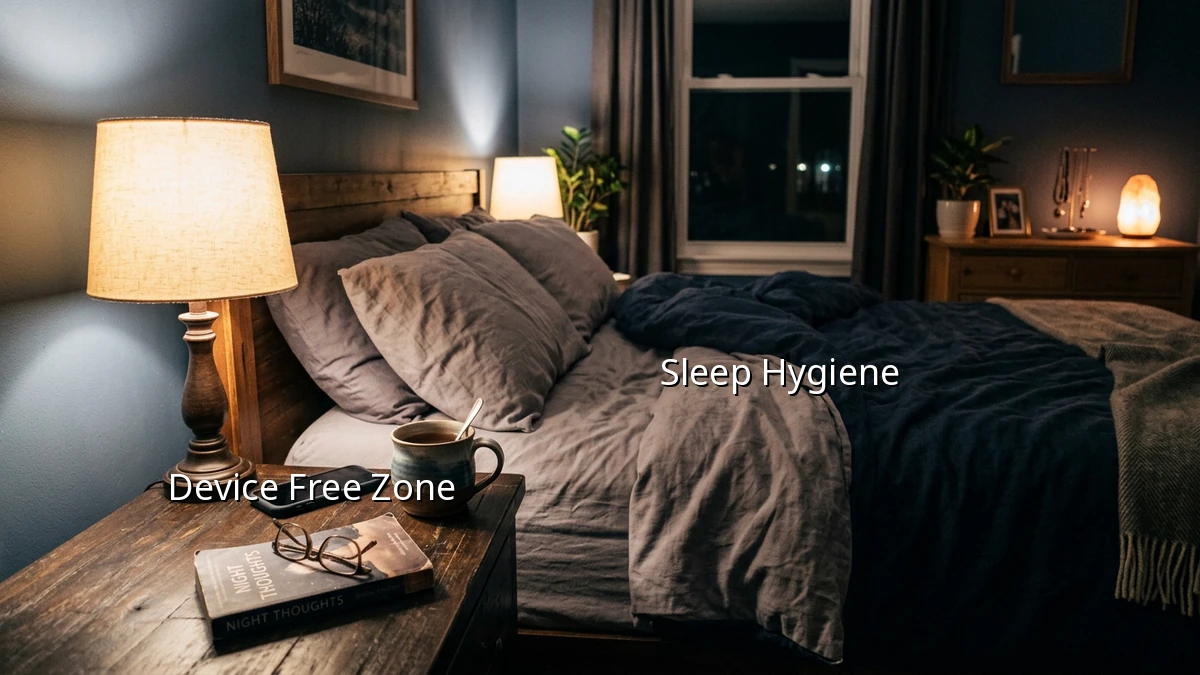
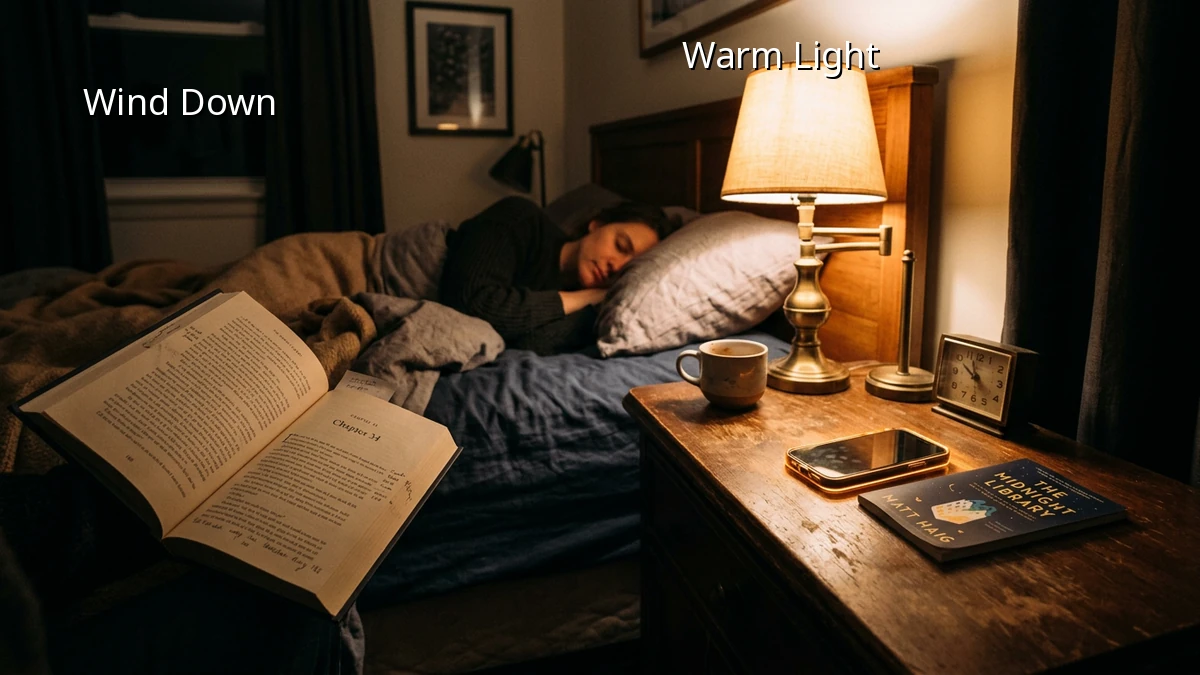
Try putting your phone on its charger across the room instead of on your nightstand. This small physical distance makes a big difference, preventing mindless scrolling when you should be drifting off. Replacing screen time with a simple evening habit, like reading a physical book or listening to a calming podcast, helps signal to your brain that the day is winding down.
Embracing Imperfect Progress
Creating better sleep hygiene is a journey, not a test you need to pass with flying colors. Some nights you will scroll longer than you planned, and that is completely okay. The goal is simply to make your evening routine a little more supportive of your wellbeing, one small step at a time. You deserve a restful night, so be gentle with yourself as you find what works for your life.