Easy Blue Light Shield for Night Shifts
Easy Blue Light Shield for Night Shifts: Gentle Ways to Protect Your Sleep
The soft, cool glow of a smartphone screen in a dark room has a strange way of keeping us awake, even when our bodies are practically begging for rest. After a long day of balancing work and family, that quiet time on the couch with a phone often feels like the only personal space we get. But as we scroll through updates or finish up a late-night task, that bright screen is quietly sending a signal to our brains that it is still daytime.
If you have ever found yourself staring at the ceiling at midnight, wondering why your mind is racing despite feeling exhausted, you are definitely not alone. The culprit is often the blue light emitted by our favorite devices, which can disrupt our natural sleep hygiene and make winding down a real challenge.
Fortunately, protecting your sleep environment does not require throwing away your phone or adopting an impossibly strict routine. With a few simple adjustments, we can create a practical blue light shield that fits easily into a busy lifestyle.
Understanding the Screen Glow and Your Sleep
Our bodies rely on natural light cues to regulate our internal clock. When evening arrives, the brain naturally begins melatonin production, the hormone that tells us it is time to rest. However, the blue light from smartphones, tablets, and laptops mimics daylight, tricking our minds into staying alert.
This screen exposure right before bed can delay that essential wind down process. It is not about being perfect or banning screens entirely; it is about finding a balance that allows us to enjoy our digital habits without sacrificing our sleep quality.
Simple Steps to Create a Blue Light Shield
Here are a few realistic, low-stress ways to dim the glow and protect your evening habits:
1. Activate Night Shift Mode and Screen Dimming
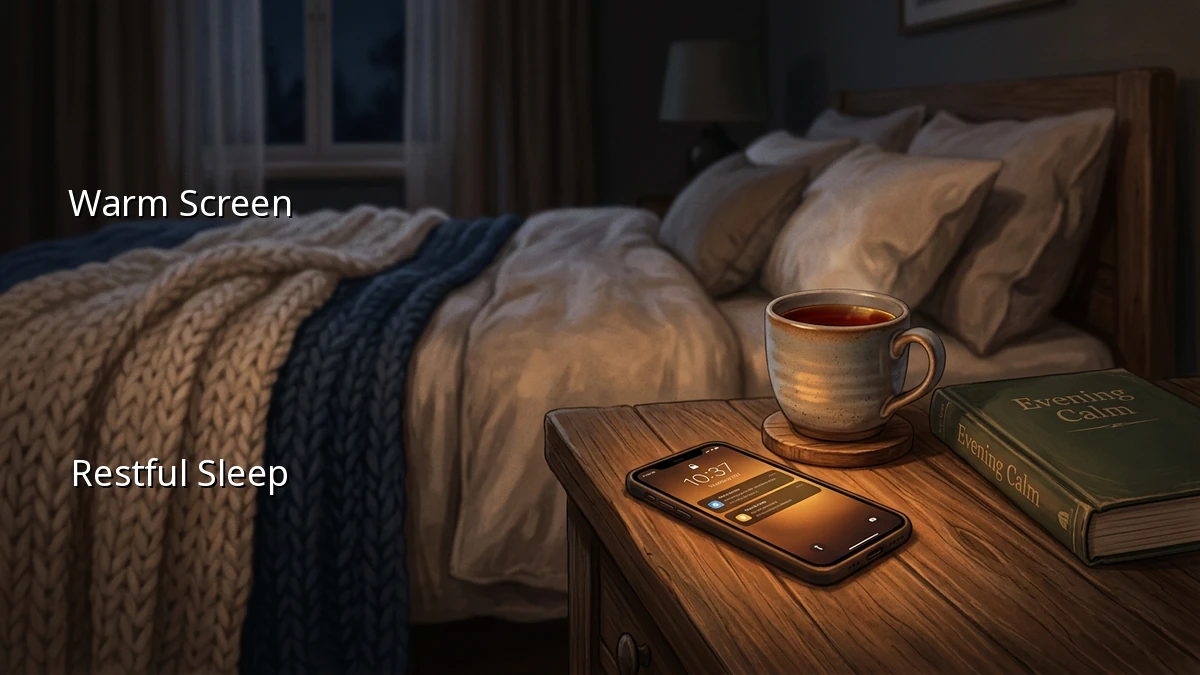
Most modern smartphones and computers come with built-in settings designed to warm up the display. Features like 'Night Shift' or 'Eye Comfort Shield' shift the screen colors from a cool blue to a warm amber. * Set an automatic schedule: Program your device to transition to warmer tones starting a couple of hours before your planned bedtime. * Combine with screen dimming: Keep the brightness as low as comfortably possible during your evening routine to minimize overall light exposure.
2. Consider Screen Filters and Blue Light Glasses
If your work requires late-night screen time, or if you simply enjoy reading on a tablet before sleep, physical barriers can make a big difference. * Physical screen filters: These are thin sheets applied directly to your screens to block blue light. * Blue light glasses: Wearing a pair of stylish, non-prescription blue light glasses in the evening is an easy way to protect your eyes without changing your device settings.
3. Establish Gentle Digital Boundaries
Creating a buffer between screen time and sleep time helps prepare both your mind and body for rest. * Silence notifications: Turn on 'Do Not Disturb' or sleep modes to prevent late-night pings from pulling you back into a state of alertness. * Try a short device-free window: Even just fifteen to thirty minutes of device-free time before closing your eyes can help your mind transition into a restful state. You might spend this time stretching, reading a physical book, or simply enjoying a quiet moment.
Finding Your Own Evening Rhythm
At the end of the day, sleep hygiene is not a set of rigid rules to be followed perfectly. Some nights, you might need to finish a project late or want to watch a favorite show to unwind. That is completely okay.
By making small, sustainable adjustments like turning on night shift mode or wearing blue light glasses, you are taking gentle steps toward better sleep quality. Listen to your body, find what works for your schedule, and remember that even small changes can lead to a much more restful sleep. You are doing great, so give yourself permission to ease into a peaceful night.