Simple Phone Boundaries for Busy Moms
The soft, blue glow of my phone screen was often the last thing I saw at night, illuminating the dark bedroom while my mind raced with tomorrow's to-do list. As a busy mom, those quiet moments after the family goes to sleep feel like gold, and it is so easy to fall into the trap of endless scrolling. But I noticed that this late-night screen exposure was leaving me exhausted the next morning. If you are also struggling to transition from a hectic day to a restful sleep, establishing simple phone boundaries might be the missing piece of your bedtime routine.
Let's talk about why our smartphones are such sleep thieves. It is not just about the time we lose while scrolling; it is also about how the blue light from our screens impacts our bodies. This specific light exposure tricks our brains into thinking it is still daytime, which delays melatonin production—the hormone we need to feel sleepy. Beyond the physical light, the mental stimulation of reading messages or catching up on the news keeps our minds active when they should be winding down.
Creating digital boundaries does not mean you have to go on a drastic digital detox or banish technology entirely. It is about making small, sustainable adjustments to your evening habits to protect your sleep quality.
Here are a few realistic evening routine tweaks that have helped me reclaim my sleep environment:
1. Charge Your Phone Across the Room
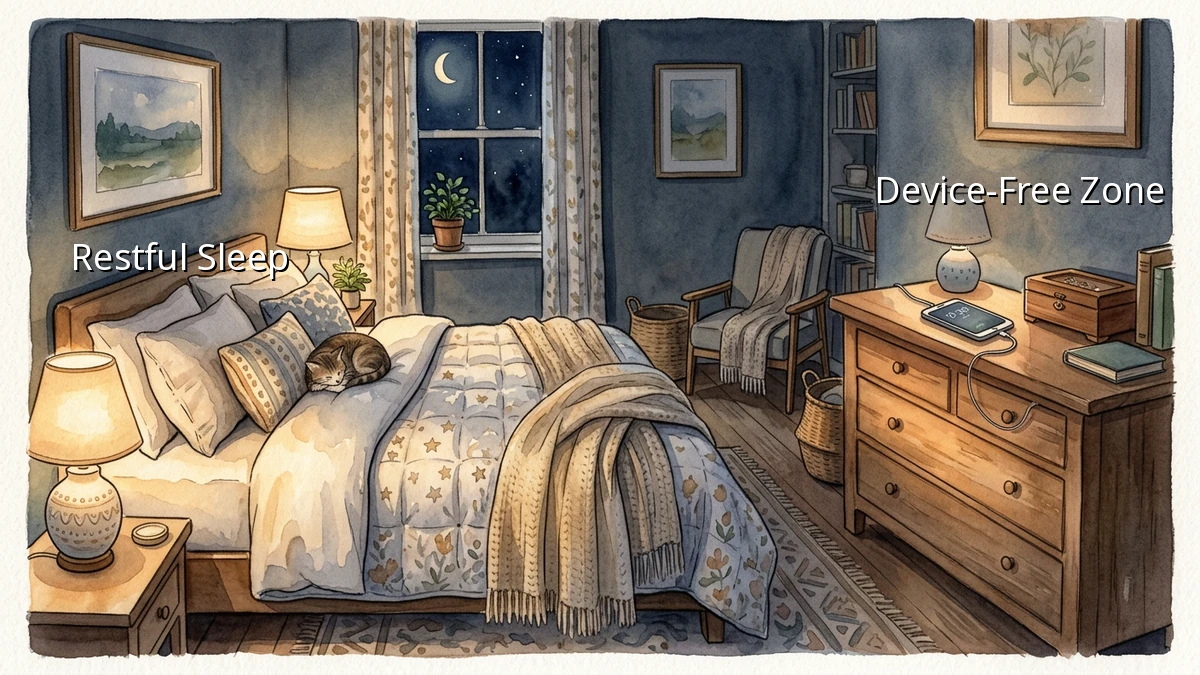
If your phone is within arm's reach, the temptation to check it 'just one more time' is almost impossible to resist. By moving my charger to a dresser across the room, I created a physical barrier. It forces me to actually get out of bed if I want to look at it, which is usually enough of a deterrent to keep me resting.
2. Embrace Silent Mode and Bedtime Alerts
Our phones are designed to grab our attention with constant pings and buzzes. Utilizing your phone's built-in sleep settings can make a world of difference. Setting your phone to automatically transition to silent mode and turning on bedtime alerts at a specific hour helps signal to your brain that the active part of your day is over. This simple shift in notification settings reduces the urge to react to every buzz.
3. Create a 30-Minute Wind Down Window
Instead of looking at a screen right up until you close your eyes, try to establish a device free buffer zone before sleep. Even just 20 or 30 minutes of screen-free time can help your nervous system settle. You might spend this time reading a physical book, doing a quick stretch, or simply enjoying the quiet of the evening.
Implementing these digital boundaries is not about perfection. Some nights, you might still find yourself scrolling later than you planned, and that is completely okay. The goal is simply to create a more supportive sleep environment that allows you to wake up feeling a bit more refreshed and ready for the day ahead. Be gentle with yourself as you find what works for your unique routine.