Quick Notification Blocks for Sleep
The house is finally quiet, the dishes are done, and you are just settling into bed when your phone screen suddenly flashes with a non-urgent notification. In an instant, your brain shifts from winding down to thinking about tomorrow's to-do list. It is a familiar cycle that many of us face every single night, turning what should be a peaceful transition into a state of mental alertness.
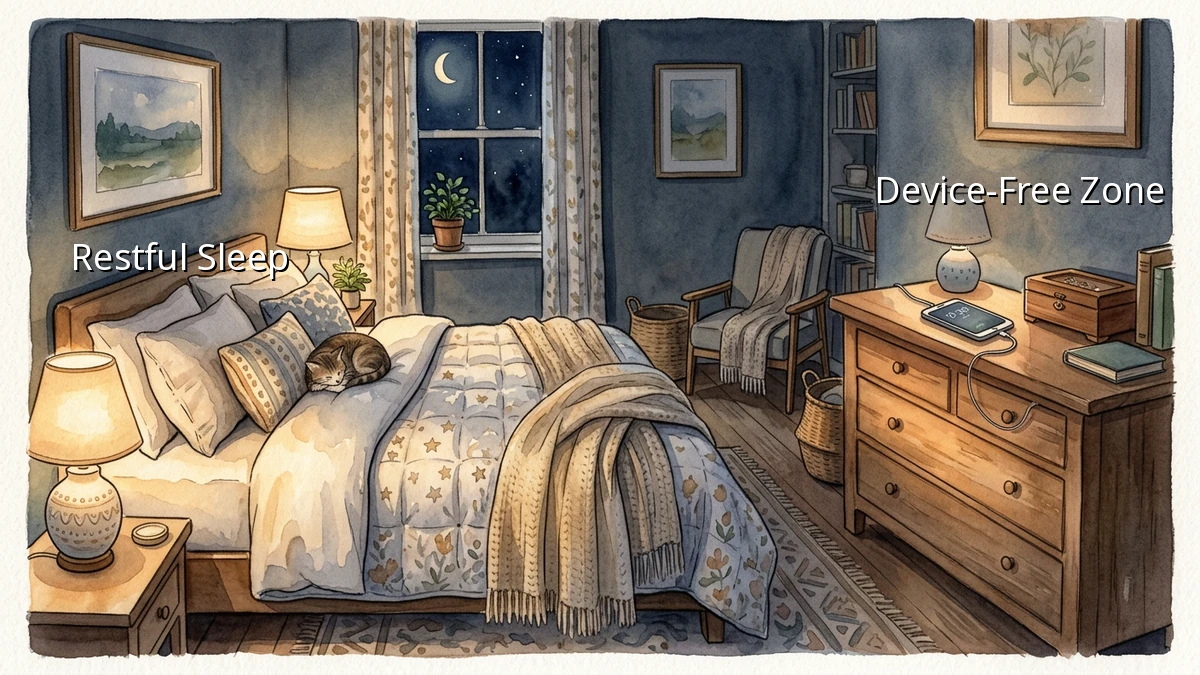
Protecting our sleep hygiene does not require throwing our devices out of the bedroom entirely. Instead, we can build simple, realistic phone boundaries that work with our busy schedules. By setting up quick notification blocks, we can reclaim our evenings and give our minds the space they need to rest.
Why Bedtime Alerts Keep Us Awake
When we think about smartphones and sleep, we often focus on the blue light that disrupts melatonin production. While that is a real factor, the mental stimulation from bedtime alerts is often the bigger culprit. Every ping, vibration, or light flash triggers a tiny spike of cortisol, the stress hormone.
Our brains are wired to pay attention to new information. When a notification arrives, we feel a subconscious urge to check it, breaking our natural wind-down process. Establishing digital boundaries is not about being disconnected; it is about choosing when we are available to the world and when we are prioritizing our own recovery.
Simple Steps to Block Evening Notifications
You do not need to be a tech expert to set up effective notification blocks. Most modern smartphones have built-in features designed specifically to help us disconnect. Here are a few practical adjustments you can make in less than five minutes:
- Schedule 'Do Not Disturb' or 'Sleep Mode': Instead of manually turning off your ringer every night, set an automatic schedule. Having your phone automatically enter silent mode an hour before you plan to sleep removes the decision-making process entirely.
- Customize Your Allowed Interruptions: A common fear is missing an emergency call from family. You can easily customize your settings to allow calls only from your 'Favorites' list while keeping all other notifications completely silent.
- Hide Notification Badges: Those little red dots on your apps are designed to grab your attention. Turning them off for social media and email apps can significantly reduce the urge to mindlessly tap on them during your evening routine.
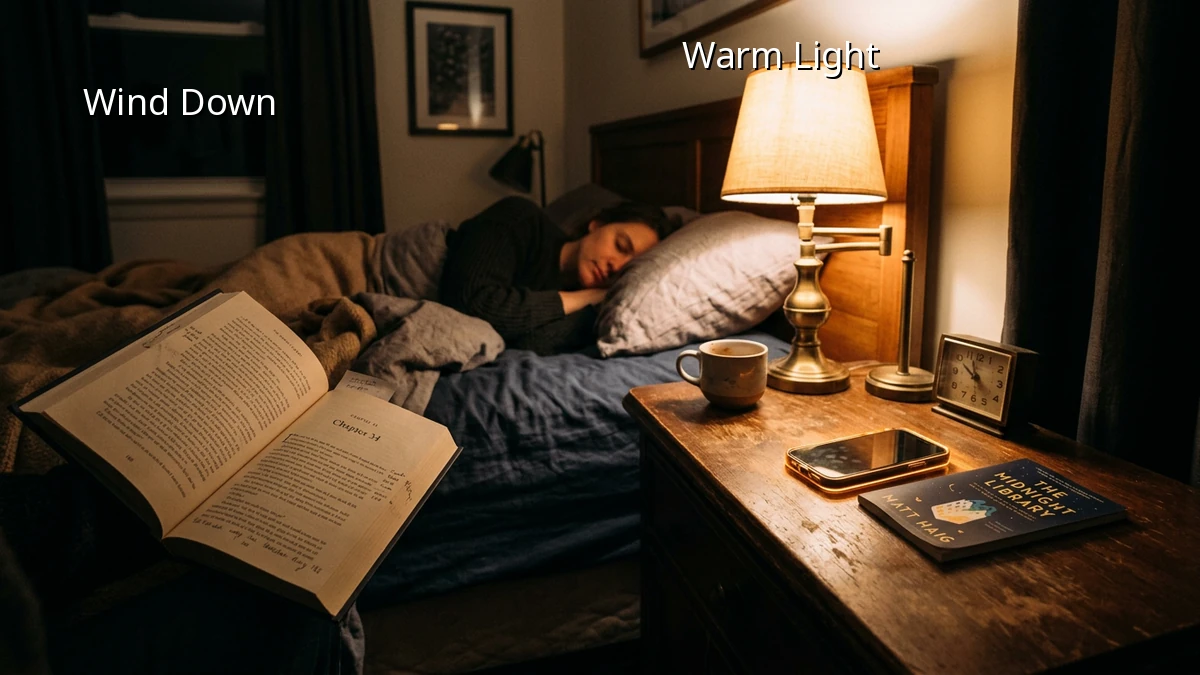
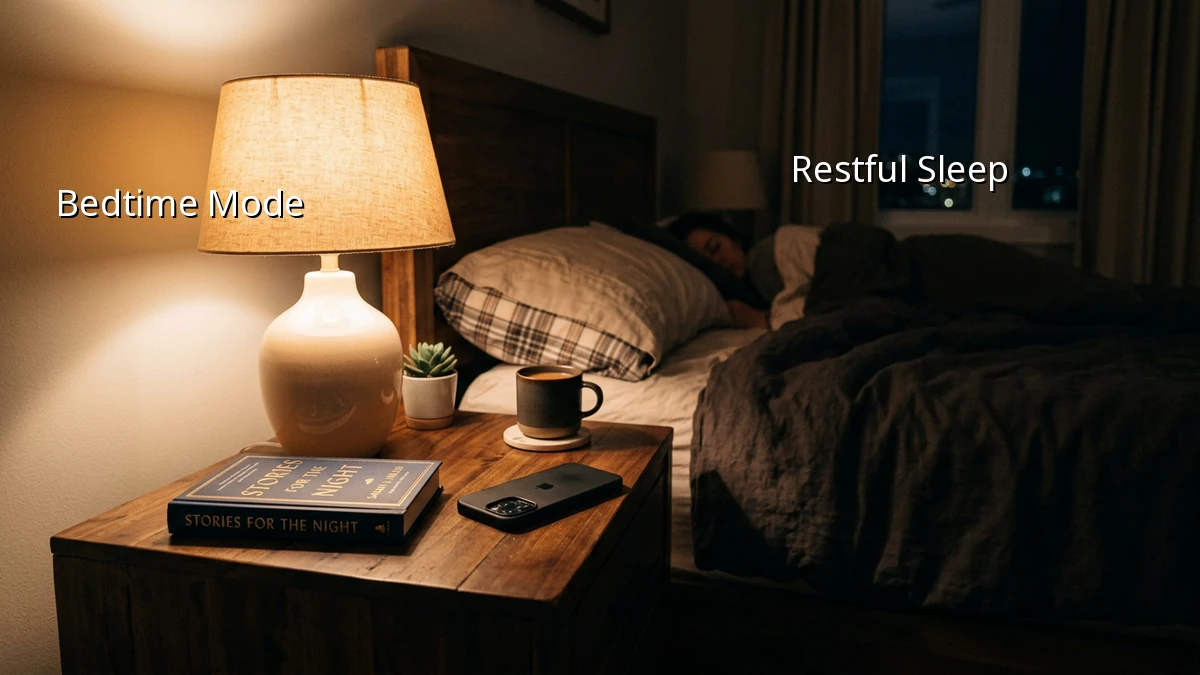
- Keep the Screen Face Down: If you must keep your phone on your nightstand, get into the habit of placing it face down. This simple physical boundary prevents the screen from lighting up the room every time an alert arrives.
Creating a Realistic Evening Routine
Transitioning to a healthier sleep environment is a gradual process. If you are used to scrolling until the moment you close your eyes, trying a complete digital detox might feel too restrictive and hard to maintain.
Instead, focus on consistency over perfection. Start by setting your notification block just thirty minutes before bedtime. Use that quiet time to read a few pages of a book, do some light stretching, or simply enjoy a quiet moment. Over time, you will likely find that this small pocket of peace becomes the favorite part of your day.
We all have busy lives, and some days will be more chaotic than others. If you find yourself checking your phone late tonight, do not worry about it. Sleep hygiene is a practice, not a test. Tomorrow is another opportunity to set those gentle boundaries and give yourself the restful sleep you deserve.